AI Kitchen Design From Your Own Photo

Upload a picture of your kitchen, pick a style, and see two realistic redesigns in about 30 seconds. Your cabinets stay where they are, your windows stay where they are. Only the look changes.

  • Free, no sign-up
  • Keeps your layout, or it is free
  • 2 designs in about 30 seconds

Upload a photo of your space

Drag it here, or choose a file. JPG, PNG, WebP or iPhone HEIC.

Space
Style

Uses 2 images · free to try, no sign-up

Before and after examples

Drag the slider on each photo. Same room, same windows, new look.

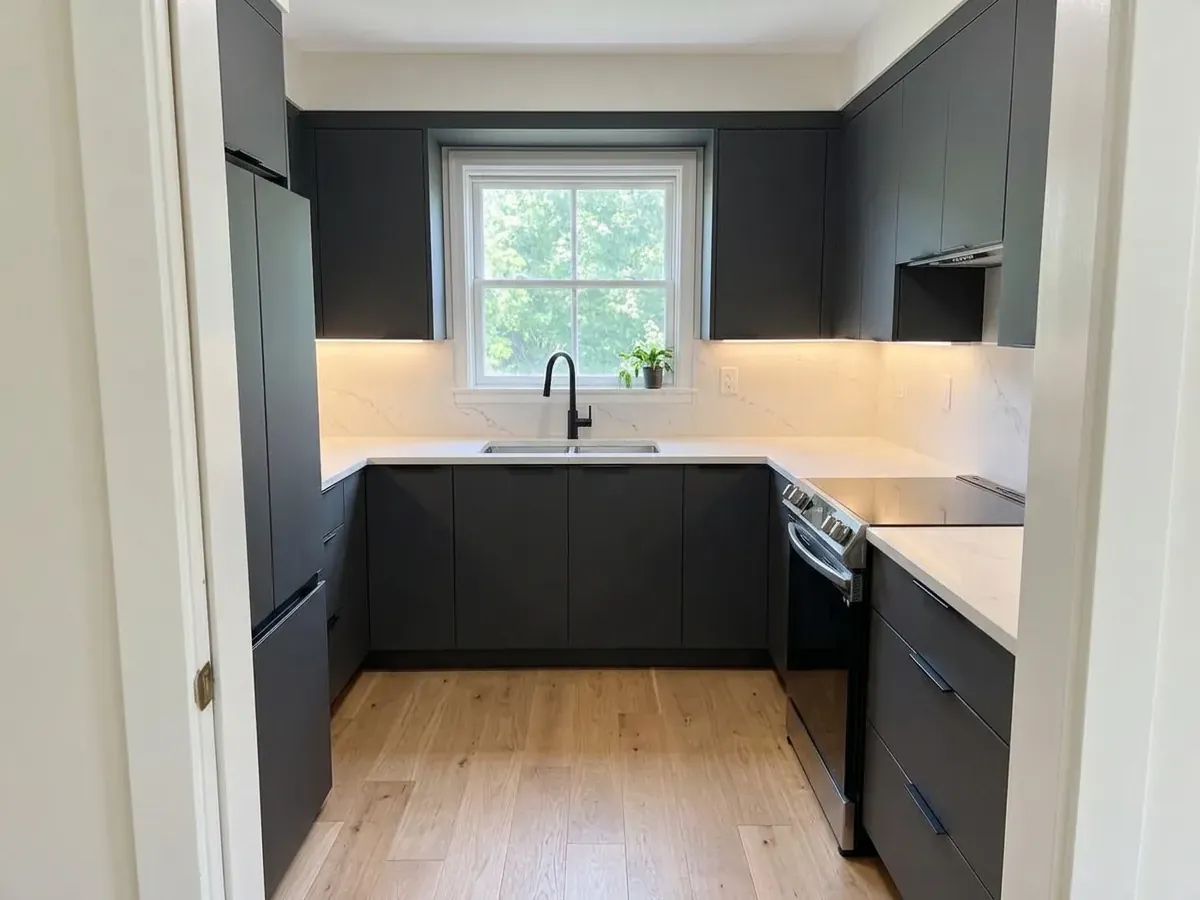
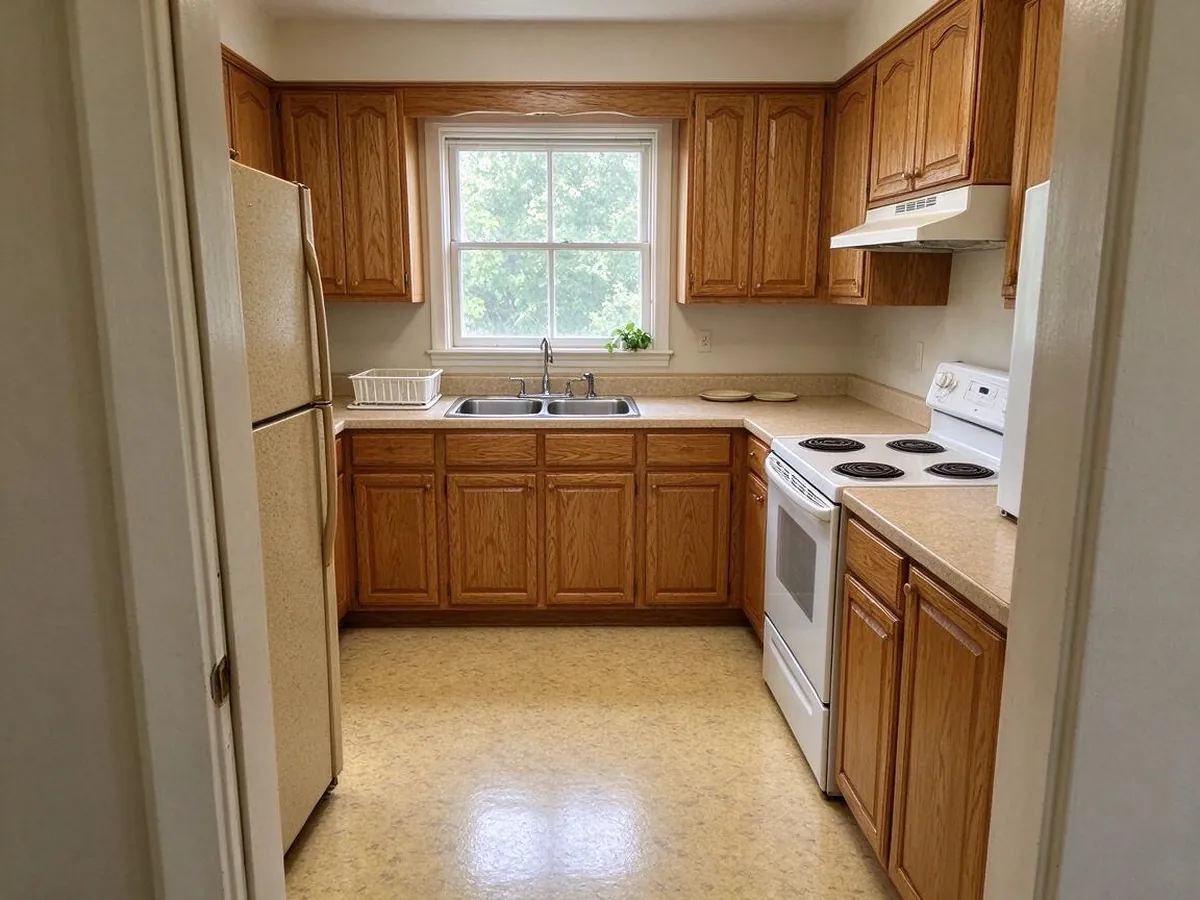
Modern – AfterModern – BeforeBeforeAfter
Modern
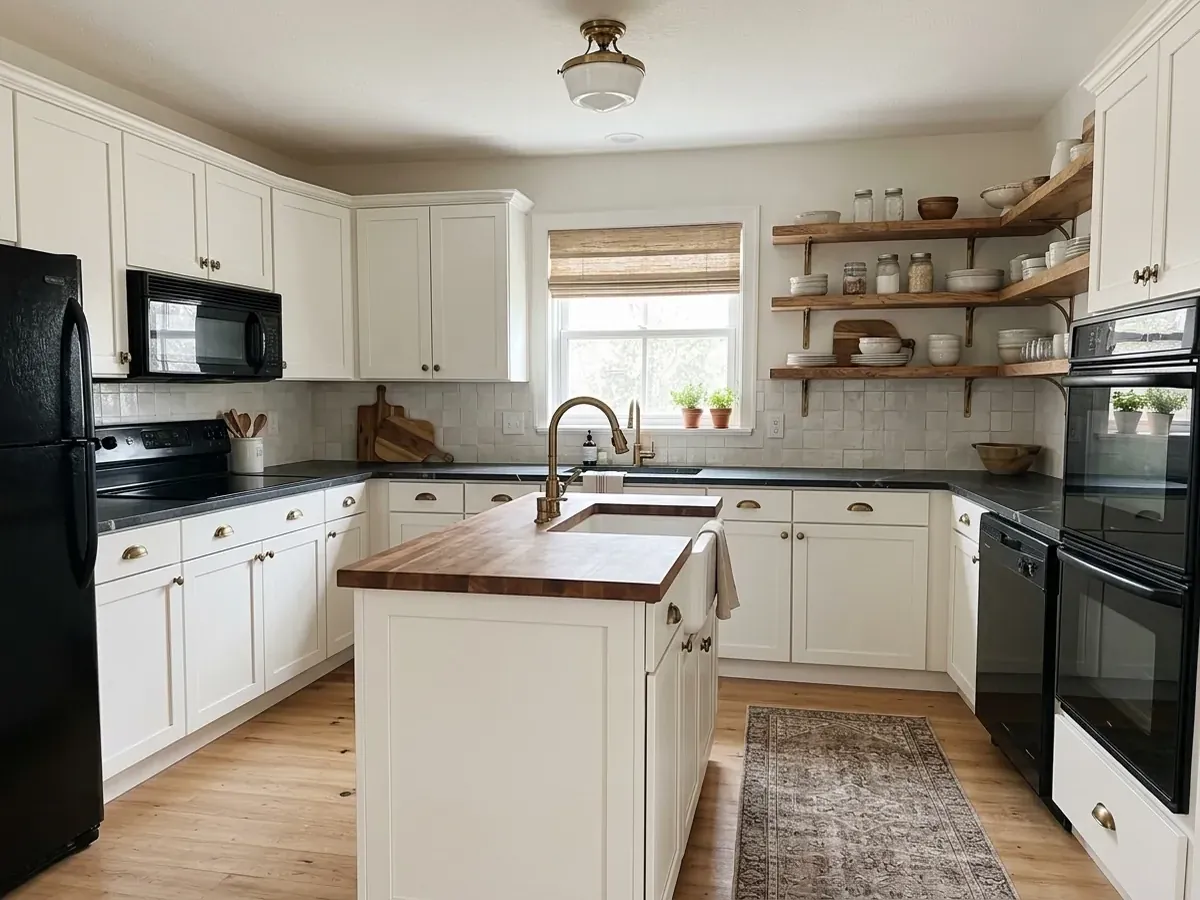
Rustic Farmhouse – AfterRustic Farmhouse – BeforeBeforeAfter
Rustic Farmhouse
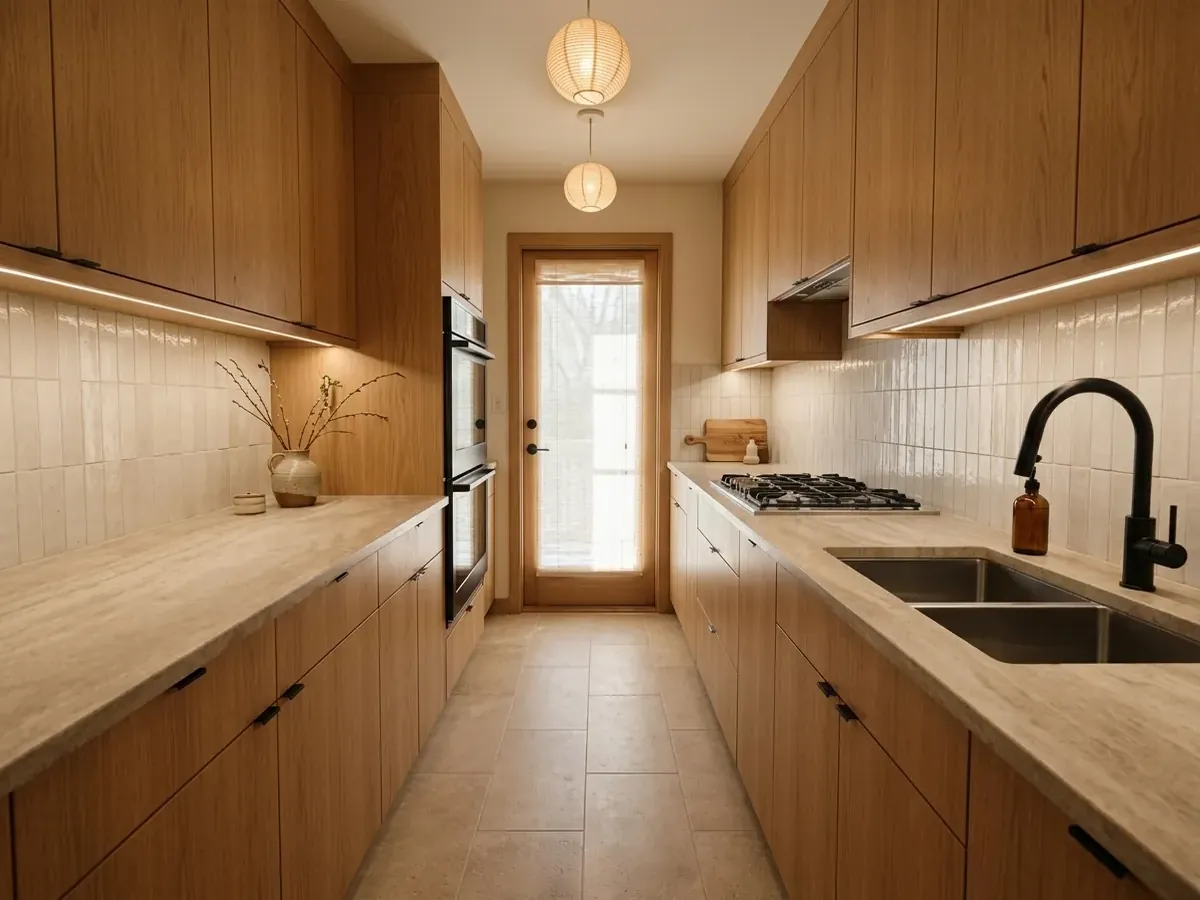
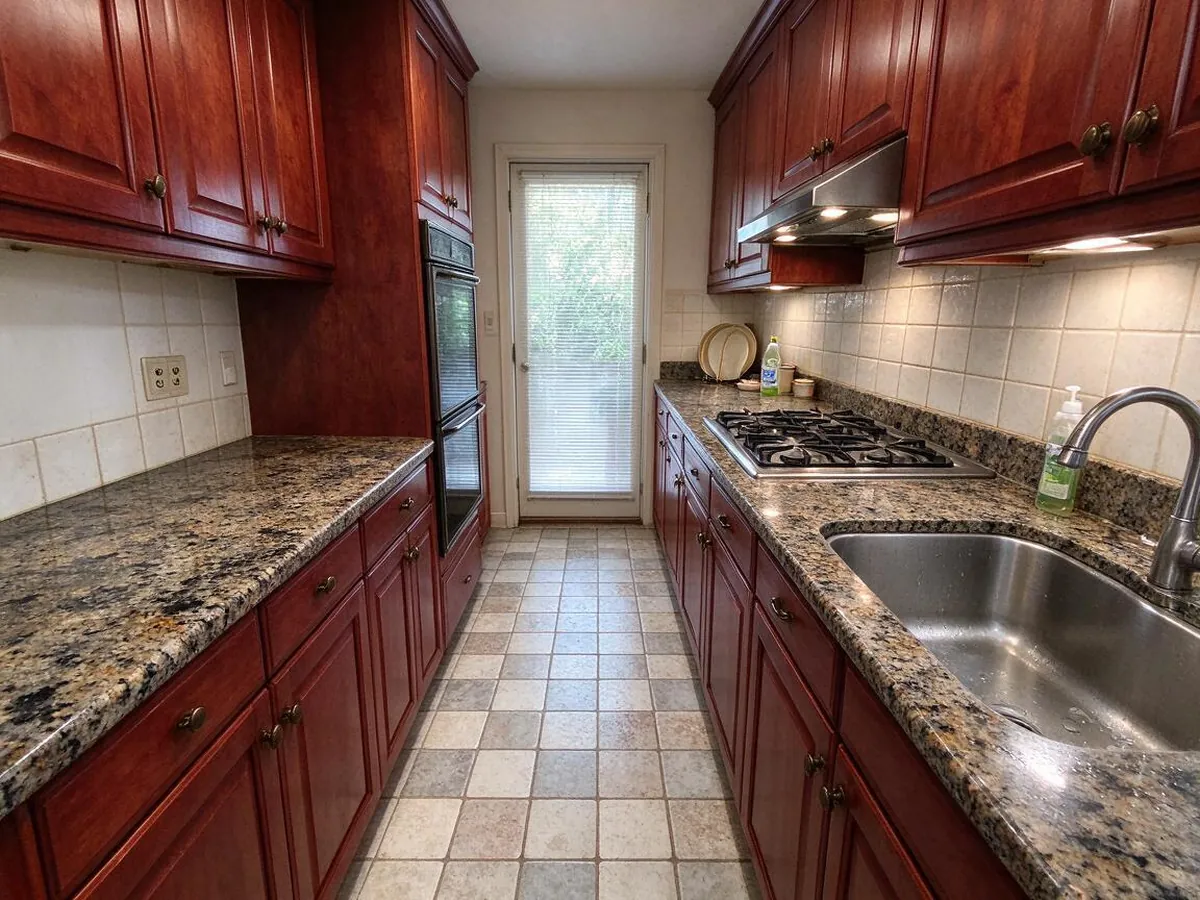
Japandi – AfterJapandi – BeforeBeforeAfter
Japandi
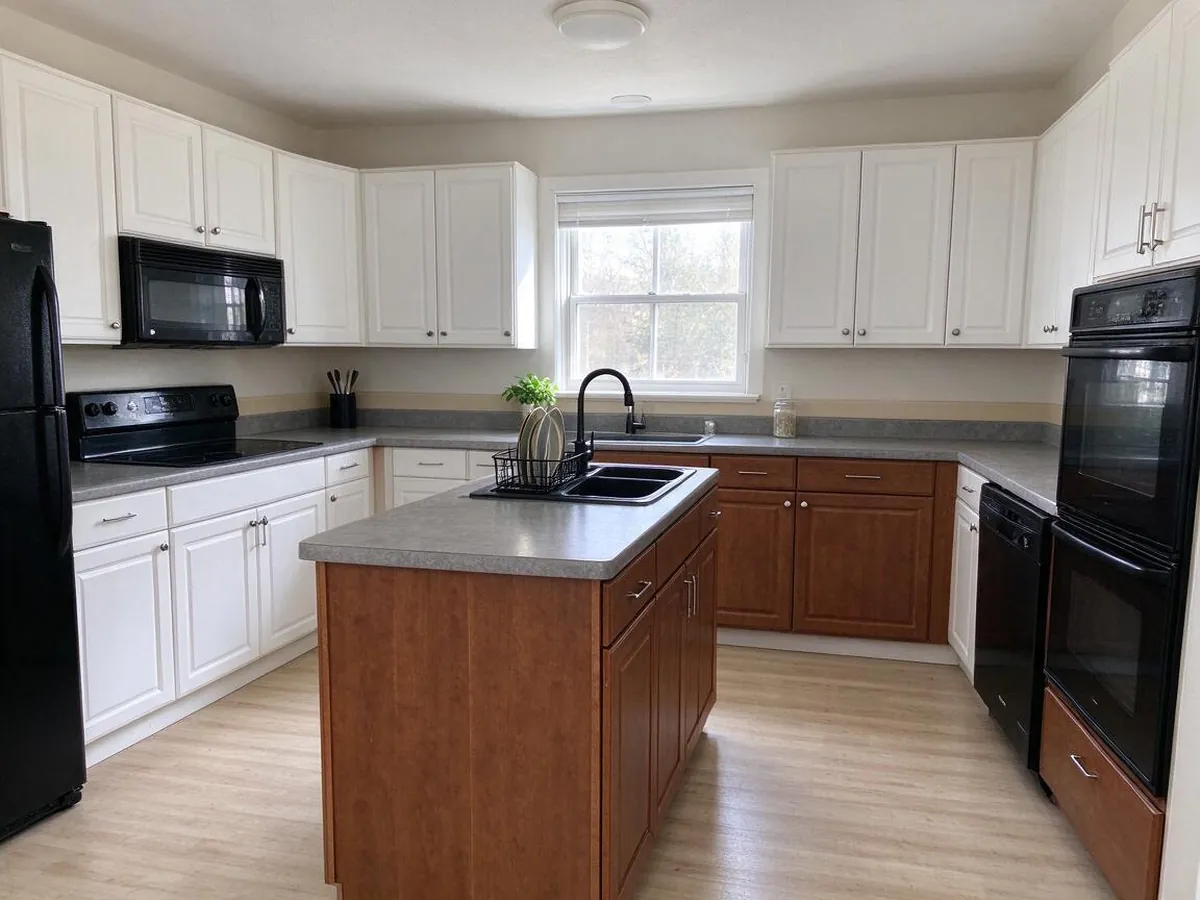
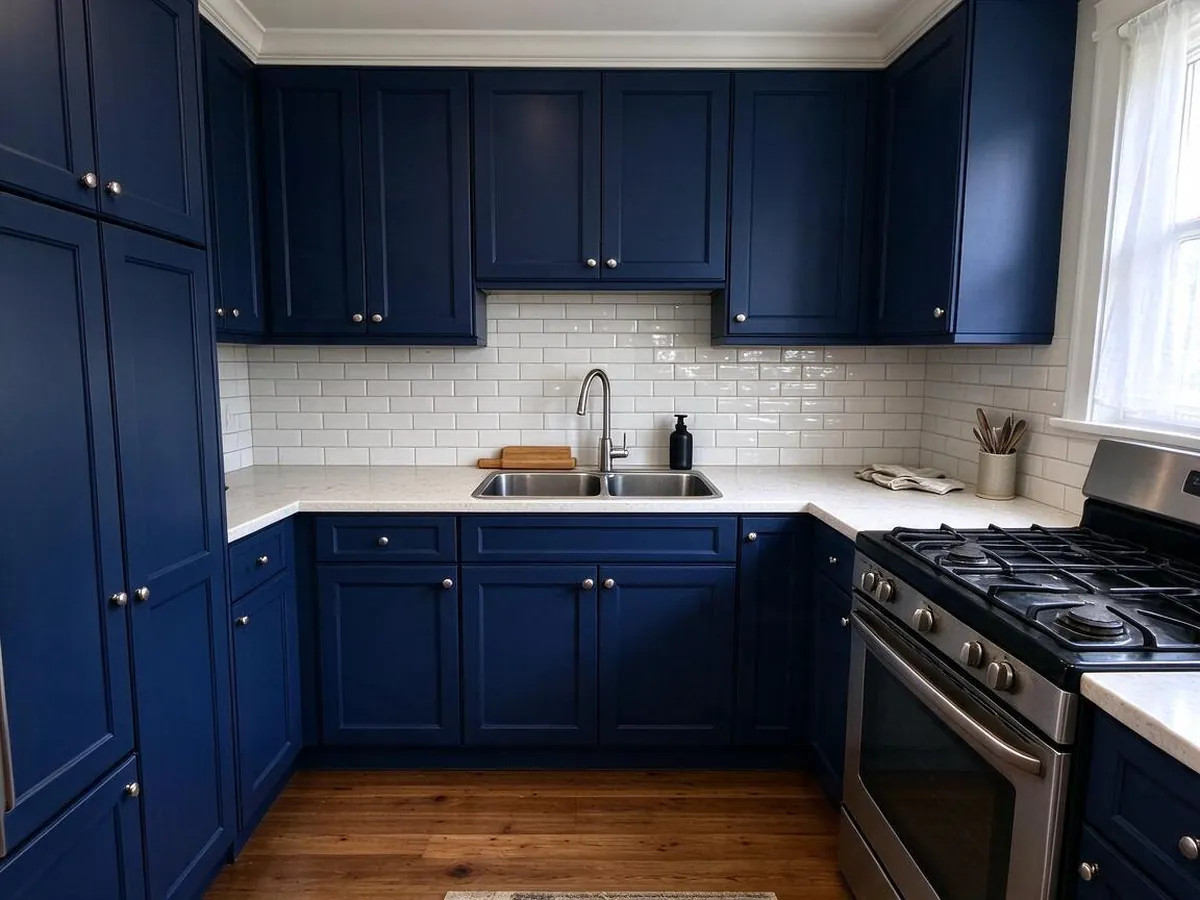
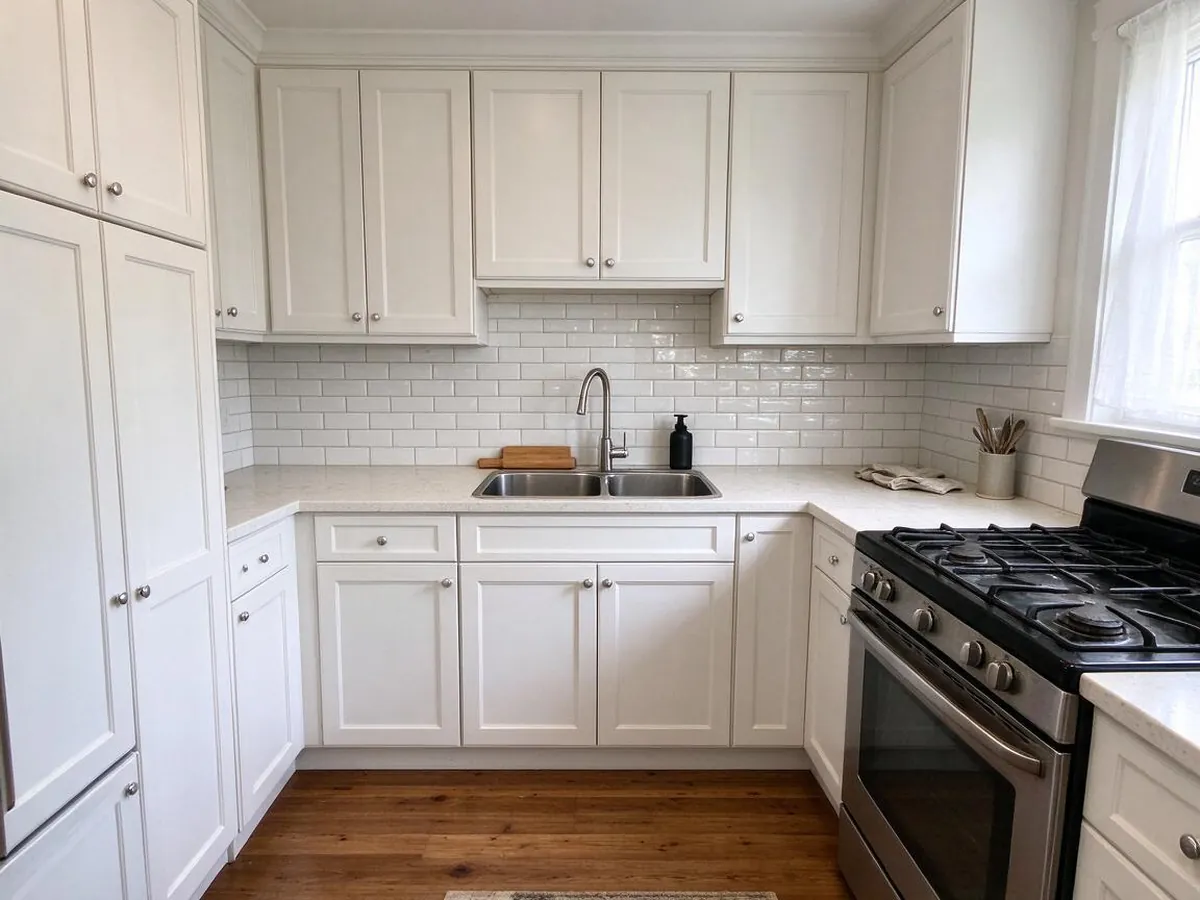
Navy cabinets only – AfterNavy cabinets only – BeforeBeforeAfter
Navy cabinets only

How to use it in 3 steps

  1. 1

    Upload a kitchen photo

    Take a straight-on photo from the doorway or a corner, or use one you already have. iPhone photos work as they are.

  2. 2

    Pick a style or a single change

    Choose a full style like Modern or Farmhouse, or change only the cabinets, countertop, floor or wall color.

  3. 3

    Compare, edit and download

    Drag the slider to compare before and after, refine one detail, then download the image or a design card for your contractor.

What makes it different

  • Your layout stays put

    Walls, windows, doors and camera angle are kept. If the AI moves them, that image is refunded and redone.

  • Try before you sign up

    Your first two designs need no account and no card.

  • No subscription traps

    One-time packs never renew. Monthly plans cancel in one click.

  • Exact materials and colors

    Pick cabinets, counters, floors and paint, or change one thing at a time.

  • Ready for your contractor

    Download a before/after design card with your choices listed.

See your kitchen remodel before you spend a dollar

A kitchen remodel is one of the most expensive projects in a home, and most of the stress comes from not knowing what the finished room will look like. Magazine photos are someone else's kitchen. This AI kitchen design tool starts from a photo of your kitchen, with your window, your ceiling height and your awkward corner, and shows what it would look like with new cabinets, counters, backsplash, flooring and lighting.

Each try gives you two variations, so you can compare directions instead of judging one picture in isolation. If you like one, keep refining it: swap the countertop, try a darker floor, or test three cabinet colors in a row until it feels right.

Kitchen styles you can try

Modern: handleless flat-panel cabinets, slim quartz counters and warm under-cabinet light. A good fit for open-plan homes and newer builds.

Scandinavian: white and light oak cabinets, pale floors and simple pendants. It makes small or dark kitchens feel brighter and bigger.

Japandi: natural oak, warm neutrals, stone counters and paper lamps. Calm, uncluttered and easy to live with.

Industrial: dark cabinets, open metal shelving, butcher block and Edison bulbs. Works well in lofts and kitchens with brick or concrete.

Rustic Farmhouse: shaker cabinets in warm white, a farmhouse sink look, wood accents and brass hardware.

Minimalist, Coastal and Mid-Century round out the list, from seamless storage walls to breezy blue-and-white to walnut with globe lights.

Change only the cabinets, countertop, floor or walls

Most people are not gutting their kitchen. They are deciding whether to paint the cabinets sage green, replace a dated granite counter, or put down new flooring. Switch to "Change one thing" and the AI edits only that element while leaving the rest of the photo alone. You can pick from popular options like navy shaker cabinets, white quartz or wide-plank oak, choose an exact paint color, or type your own description.

Because it starts from your photo, you see the new countertop next to your existing backsplash and appliances, which is exactly the comparison a sample board cannot give you.

Our layout-lock promise

The most common complaint about AI room design tools is that they quietly rebuild the room: a window moves, the range disappears, the ceiling gets taller. Every request here tells the model to keep the original layout, walls, windows, doors and camera perspective, and to keep the sink, range and refrigerator where they are. If a result still drifts, tap the link under the image. You get that image back immediately and we redo it with stricter geometry rules.

Tips for a photo that gives the best AI kitchen design

Shoot in daylight with the lights on, from standing height, holding the phone level. Step back far enough to include the cabinets, the counter and a bit of floor. Clear the counters if you can, since the AI treats clutter as part of the room. Wide-angle lenses are fine, but avoid extreme corners where the walls bend.

Who uses it, and what it does not do

Homeowners use it to settle debates before a remodel and to show a contractor exactly what they mean. Renters use it to test paint and cabinet colors before asking a landlord. Contractors, kitchen showrooms and real estate agents use the Studio plan to show clients a finished look in minutes.

It creates visual concepts, not construction drawings. It does not measure your room, check plumbing or electrical, or price materials. Use the images to choose a direction, then take the design card to a professional for measurements and a quote.

Frequently asked questions

Is this AI kitchen design tool free?+

Yes, you can try it without paying or signing up. Your first try creates two redesigns of your own photo, marked with a small watermark. Sign in with Google and you get three more images free. After that, a one-time pack starts at $9.99 for 50 images and never expires, so you only pay when you actually have a project.

Do I need to sign up?+

No. Upload a photo and press the button; your first two designs are free without an account. If you want to keep going, sign in with Google in one click and your earlier designs move to your account automatically, along with three more free images. There is no credit card form on the free trial.

Will it keep my layout, walls and windows?+

That is the whole point. Every request tells the AI to keep the original layout, walls, windows, doors and camera angle, and to change only surfaces, colors, fixtures and furniture. AI is not perfect, so we back it up: if a result moves a wall or window, tap "AI moved my walls or windows" under the image. We refund that image right away and redo it with stricter rules.

Can I change only the cabinets or the countertop?+

Yes. Choose "Change one thing", pick cabinets, countertop, floor or wall color, and select a preset or describe what you want, such as "matte black flat-panel cabinets". The rest of your kitchen stays as it is in the photo. You can also start from any design you already made and change one detail at a time.

How is this different from asking ChatGPT or Gemini?+

General chat tools can edit photos, but you have to write long prompts and they often shift windows, change the camera angle or invent a different room. Here the layout rules are built in, styles and materials are one click, you get two options side by side with a before-and-after slider, and you can keep editing one detail at a time. If it does drift, you get the image back.

Can I use the images for my business?+

The Studio plan includes a commercial license, so designers, contractors and real estate agents can use the images in proposals, listings and marketing. Studio also unlocks sharp 2K downloads. Other plans are for personal use, such as planning your own remodel and sharing ideas with your family or your contractor.

Is my photo private?+

Your photos and designs are private to your account. Nobody else can see them unless you create a share link yourself, and you can delete any design from your history at any time. We use your photo only to create the images you ask for and never sell it or use it in public galleries. Please avoid uploading photos with people in them.